
 6E Club blog
6E Club Login Not Working?
Work through these in order — most people are back into 6E Club by step three.
You tap Log in and nothing happens. Or it tells you the account doesn’t exist when you’ve been playing for months. Before you message anyone, go through this list from the top. Each step takes under a minute.
1. Are you on the real site?
Search results for “6E Club login” and “6E Club new link” include copies. A copy has no record of your account, so it will reject your password every time — and may keep a copy of what you typed. Use the installed app or a bookmark, or check with the official link check.
2. Ten digits only
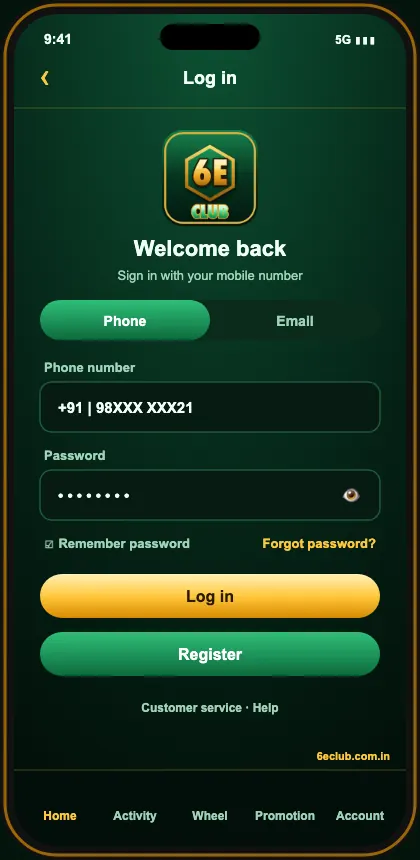
Autofill loves to add +91, a leading zero or a space. Clear the box and type the number yourself.
3. Reset rather than guess
Several wrong attempts can lock the account for a while. Use forgot password — it’s quicker than guessing.
4. Get the OTP through
- Wait for the full countdown before resending.
- Check that DND isn’t filtering transactional SMS.
- On dual-SIM phones, check the right SIM’s inbox.
- Toggle airplane mode to refresh the signal.
5. Network, cache and VPN
Switch between Wi-Fi and mobile data, wipe the browser’s stored data for the site, and pause any VPN or heavy ad-blocker. If you were in a browser, try the app — or the other way round.
6. Logged out again and again?
6E Club allows one active session. If you’re kicked out repeatedly, someone else may be signing in. Reset your password straight away and check Login history.
Still stuck?
Open a chat with 6E Club customer care, give them the number on the account and a screenshot showing what went wrong. Keep your password and OTP to yourself.
More 6E Club game screens
Stop it happening again
- Install the app so you never rely on search.
- Keep your registered SIM active — it’s your recovery key.
- Keep the password in a password manager rather than your notes app.
- Bookmark one trusted link.
Login trouble on a new phone
A new handset is the moment most people get stuck: the app isn’t installed yet, the browser has no saved password, and the OTP goes to a SIM still sitting in the old phone. Move the SIM first, install the app from the official site, then sign in. If you’d changed your number since registering, sort that out with support before you switch phones, not after.
Shared Wi-Fi and office networks
Some office, hostel and college networks block gaming domains outright. The page will either never load or show a network error. Switch to mobile data for the login and you’ll know within seconds whether the network was the problem.
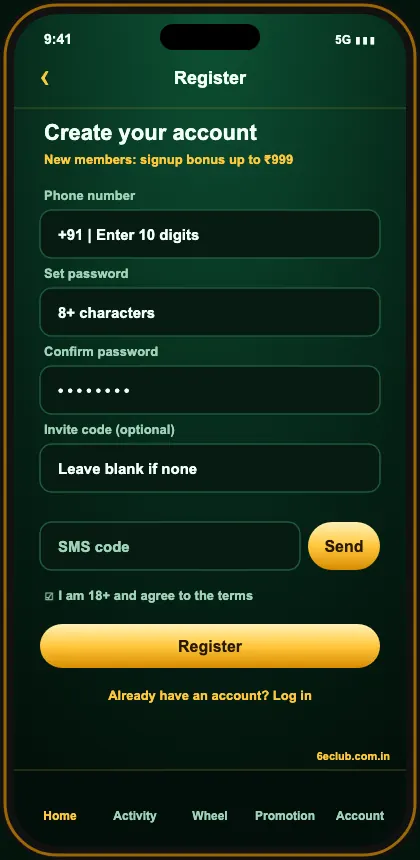
Haven’t got an account yet? Start from the 6E Club official site: the 6E Club register form takes a minute, the 6E Club login works on any phone, and the 6eclub app keeps you signed in.
Full sign-in guide: 6E Club login. Home: 6E Club.
Join 6E Club today
Back in? Collect today’s check-in and redeem the gift code while you’re there.
Questions players ask us
Why does 6E Club reject a password I know is right?
Either the site is a copy, or autofill slipped +91 in front of the number.
Does clearing cache delete my account?
No — only files your browser stored.
Can a VPN block the login?
It can. Switch it off and retry.